Ni - Labs :
Project ( Computer Vision | MR-Driving )
プロジェクト ( 画像認識 | 複合現実ドライビング )
项目 ( 图像识别 | 混合现实模拟驾驶 )
Catalog | カタログ | 目录
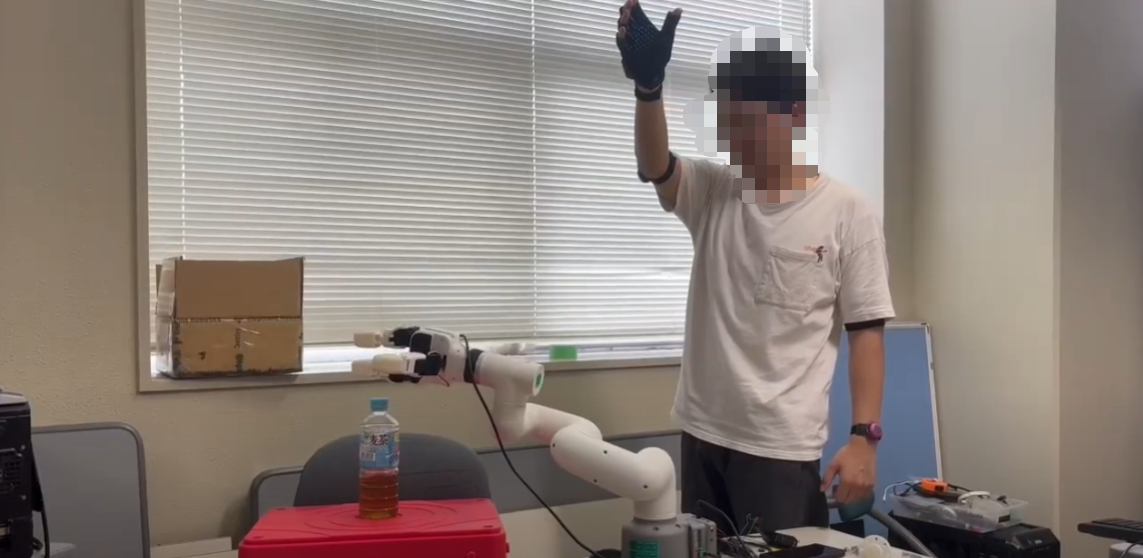
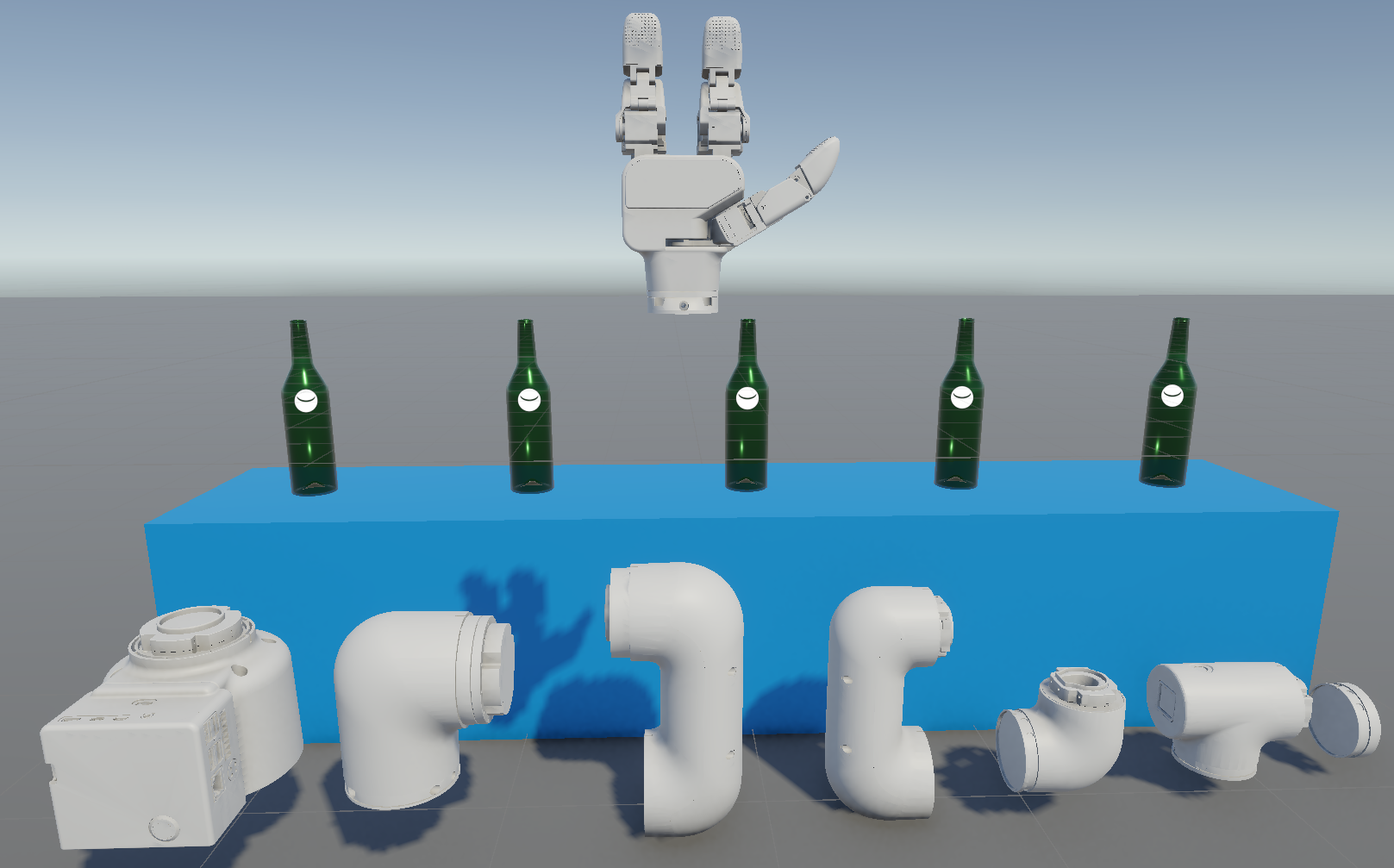
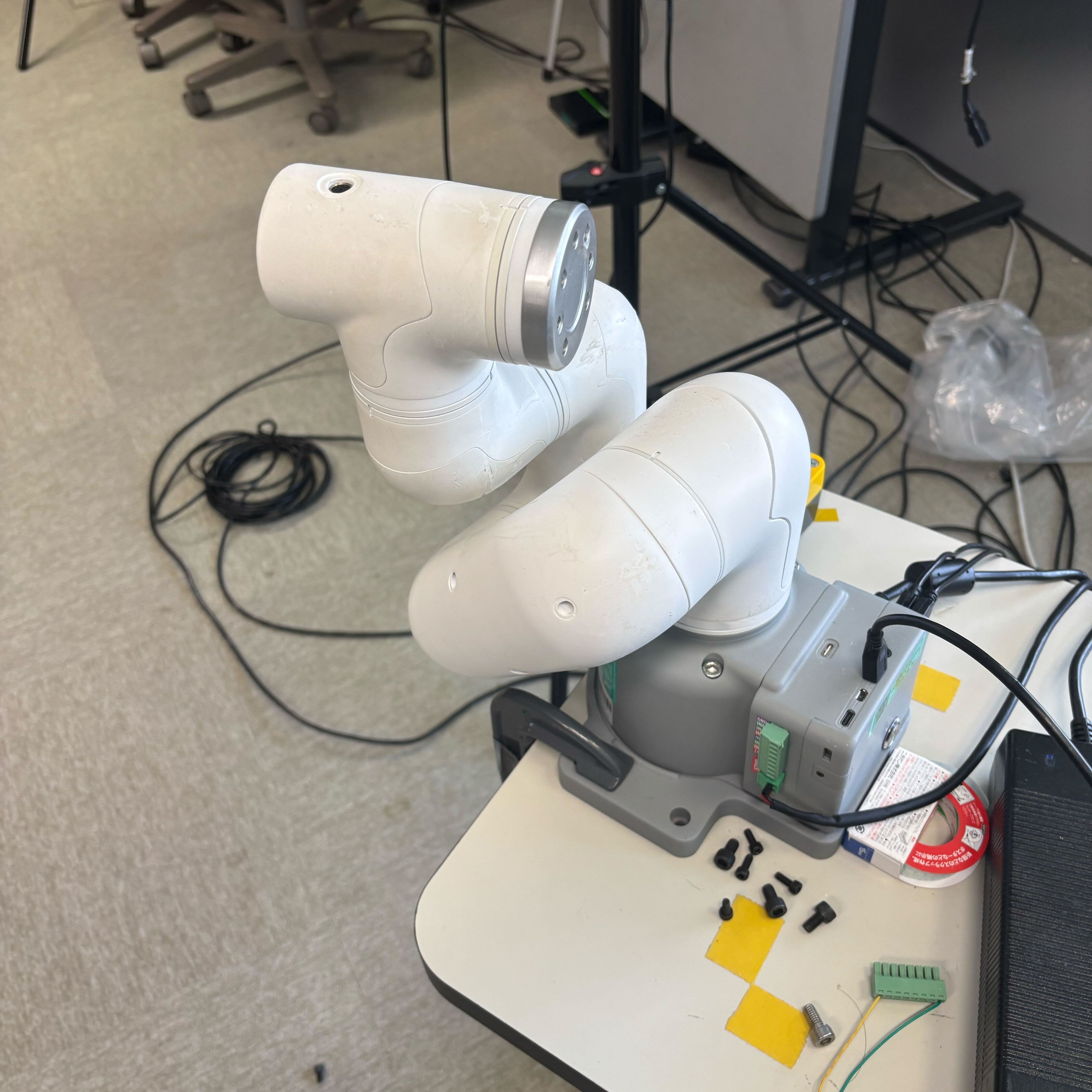
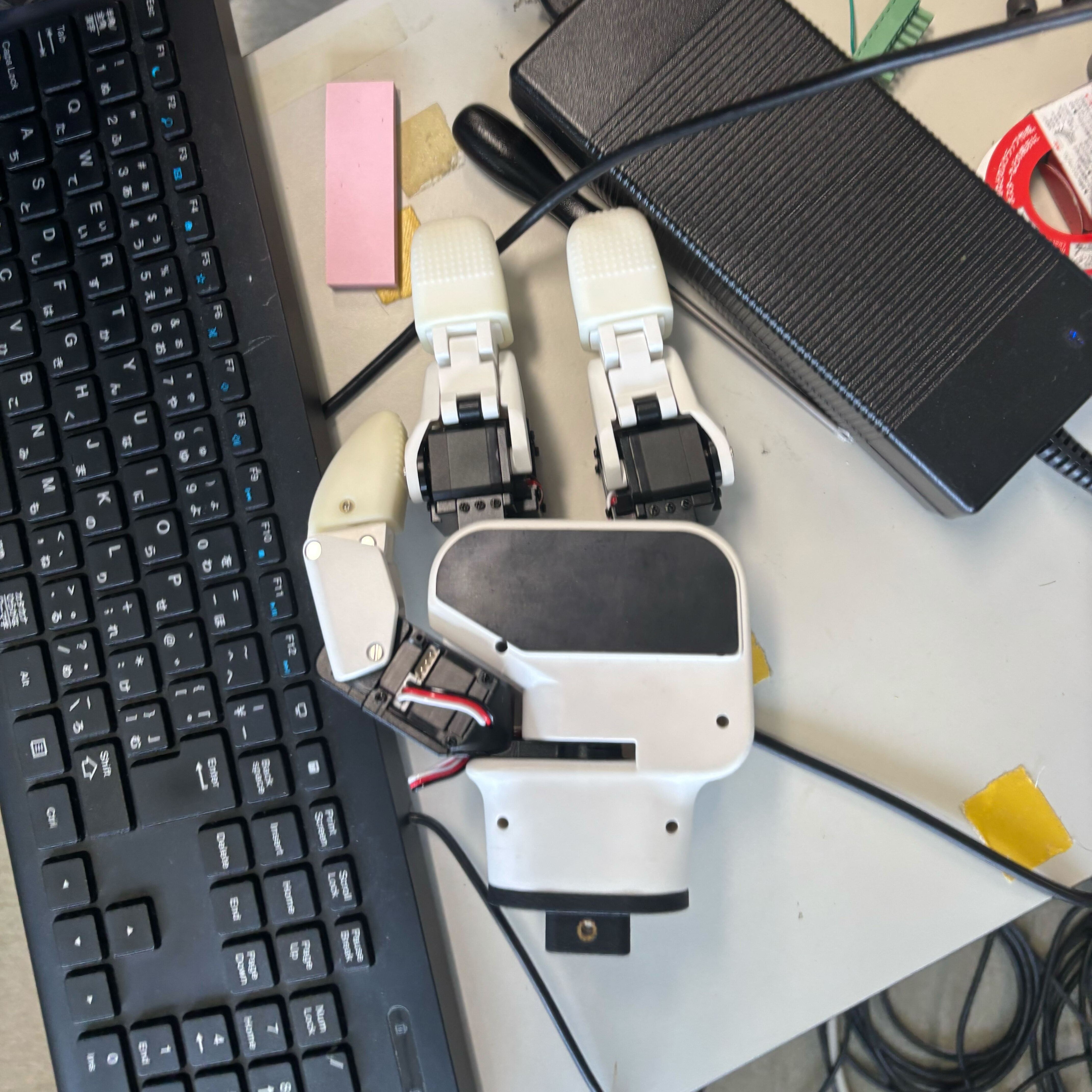
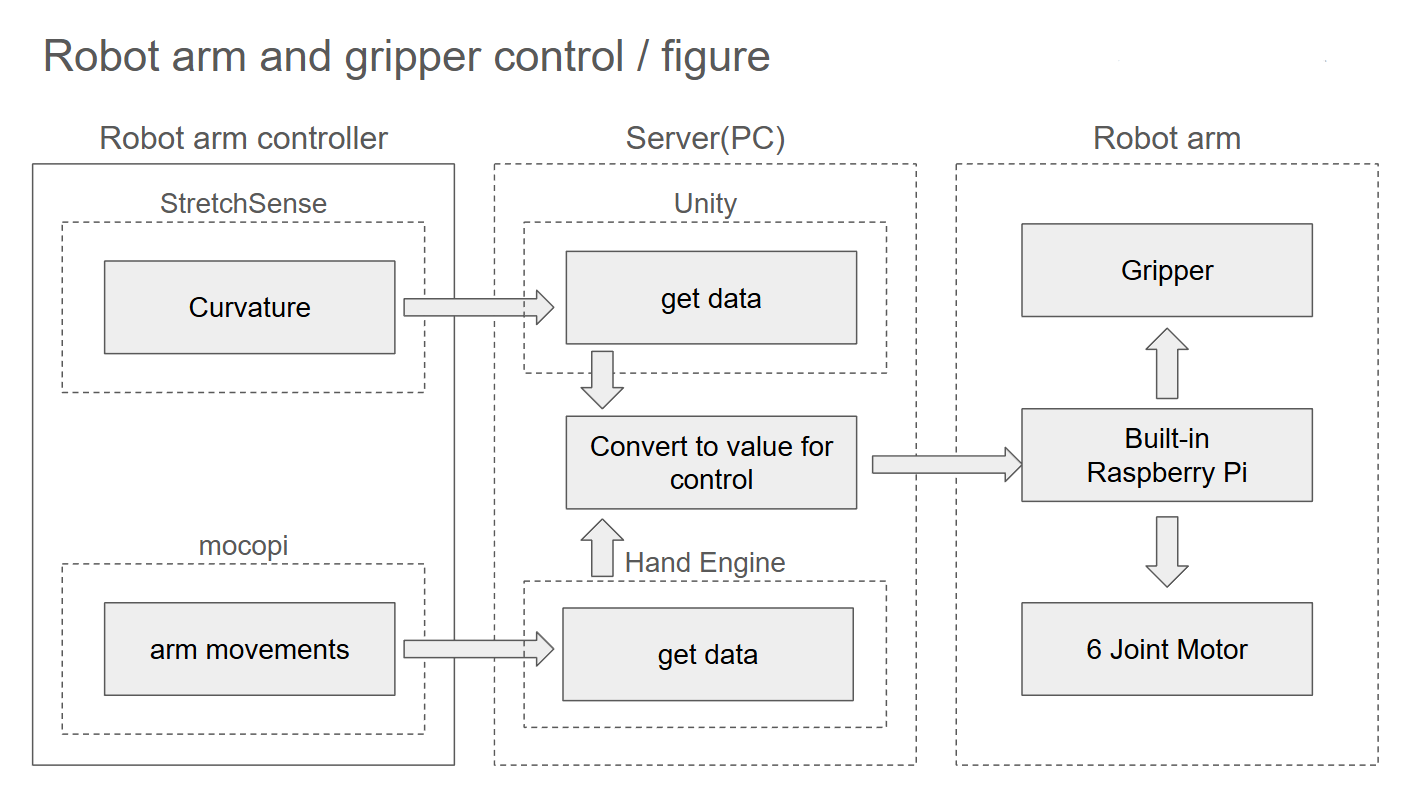
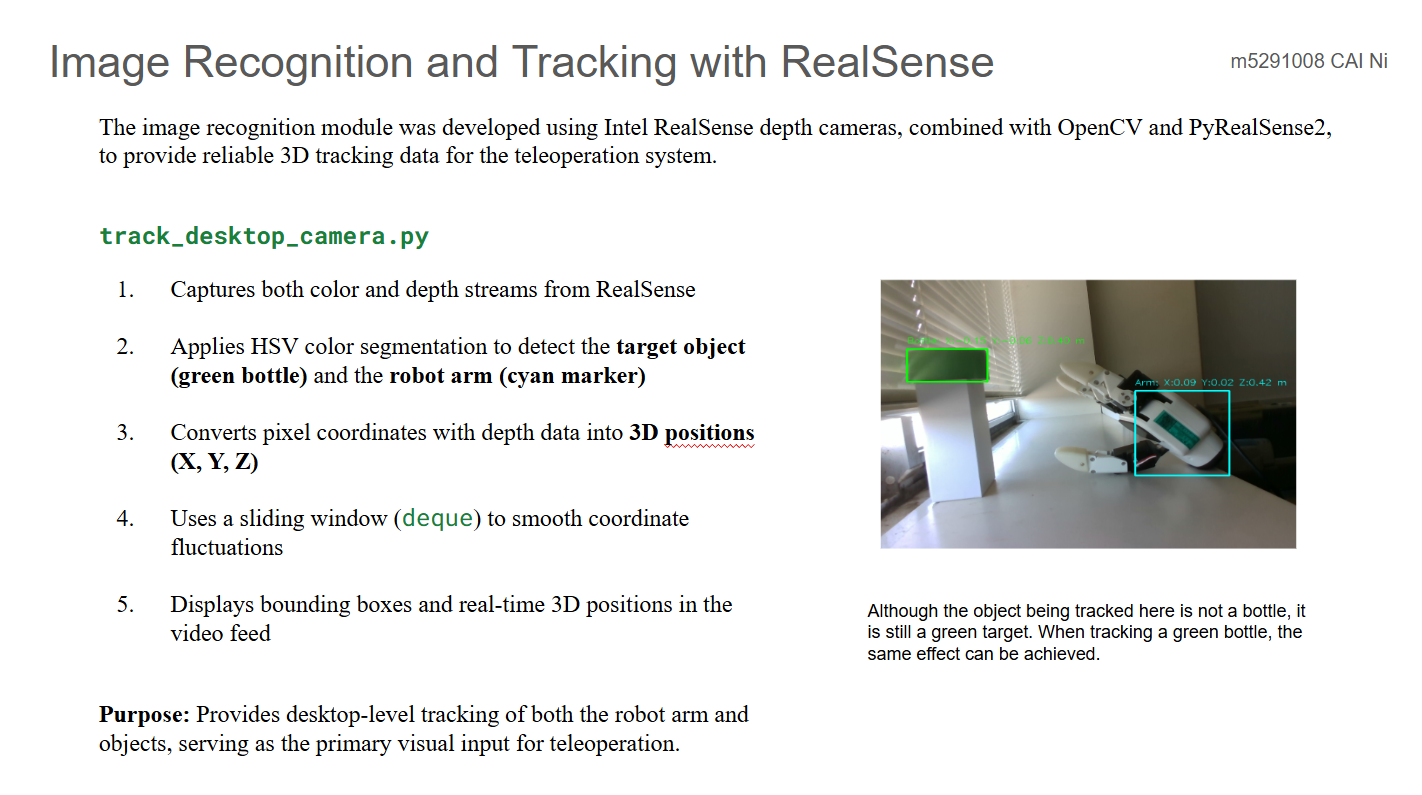
①. Teleoperation of Robot Arm with Haptic Feedback [Team work]
触覚フィードバックを用いたロボットアームの遠隔操作
具备触觉反馈的机器人机械臂远程操作
②. MR Driving
複合現実ドライビング
混合现实驾驶模拟
①. Teleoperation of Robot Arm with Haptic Feedback [Team work]
触覚フィードバックを用いたロボットアームの遠隔操作
具备触觉反馈的机器人机械臂远程操作
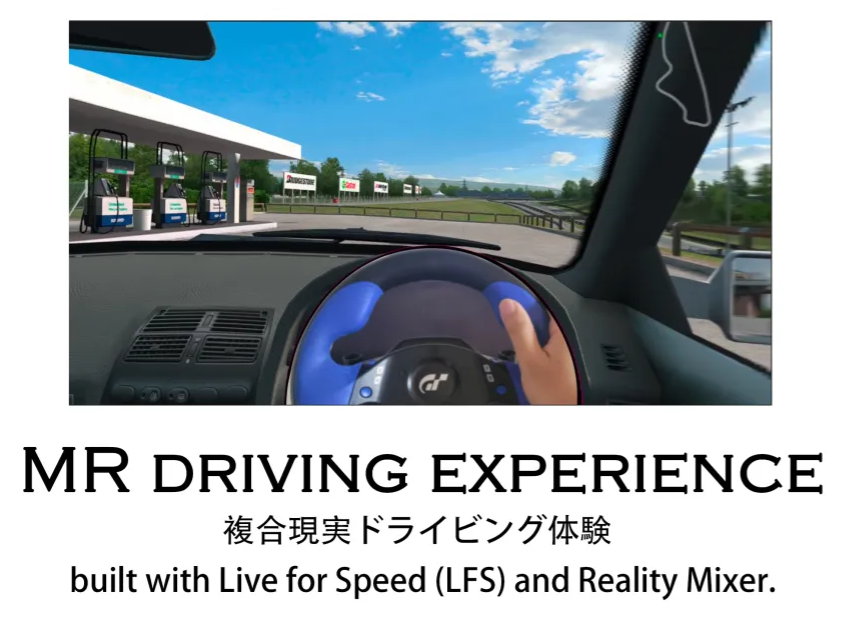
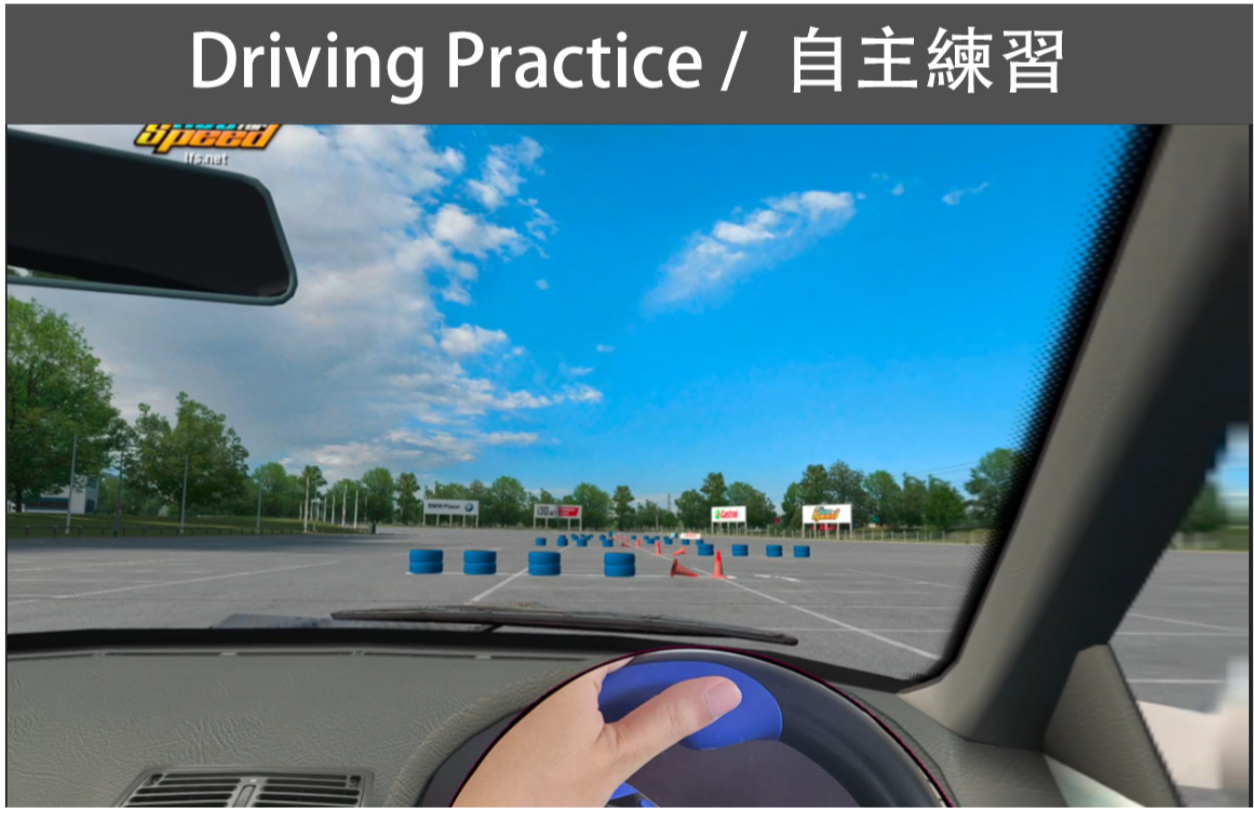
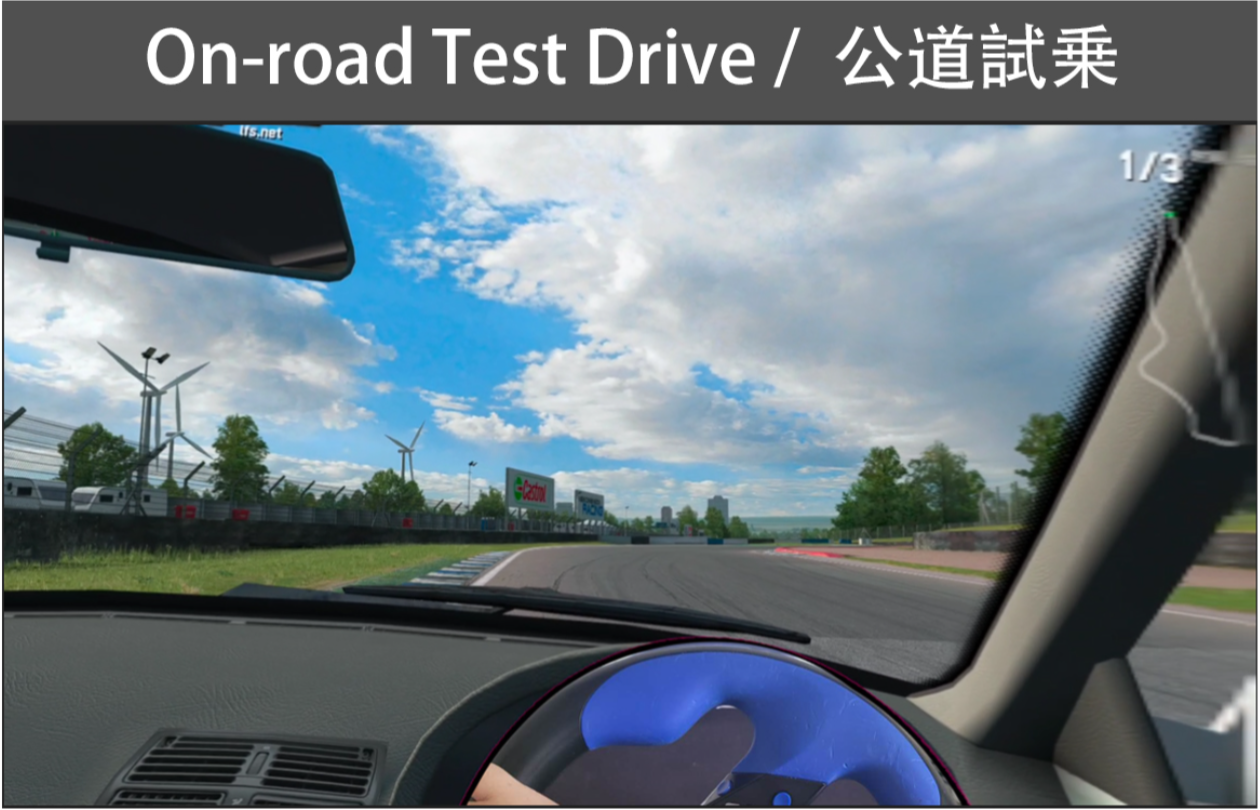
②. MR Driving
複合現実ドライビング
混合现实驾驶模拟
2. About Reality Mixer
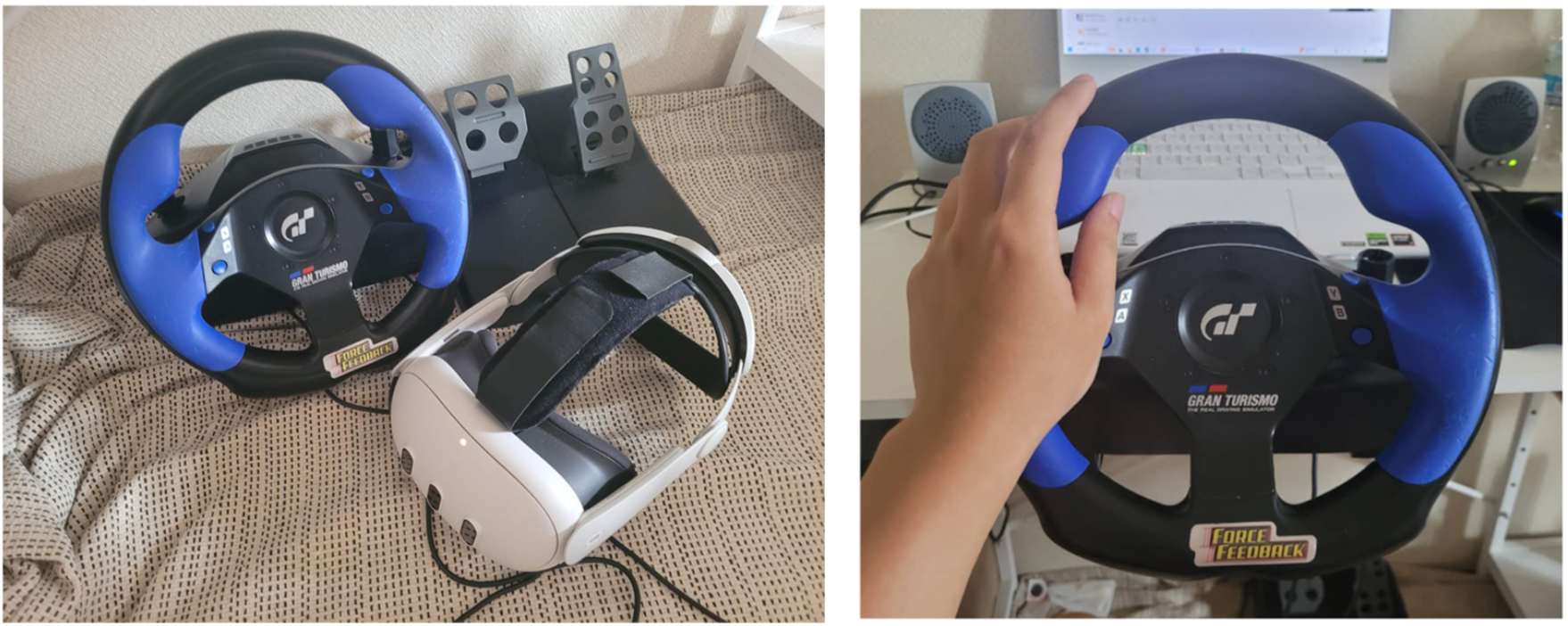
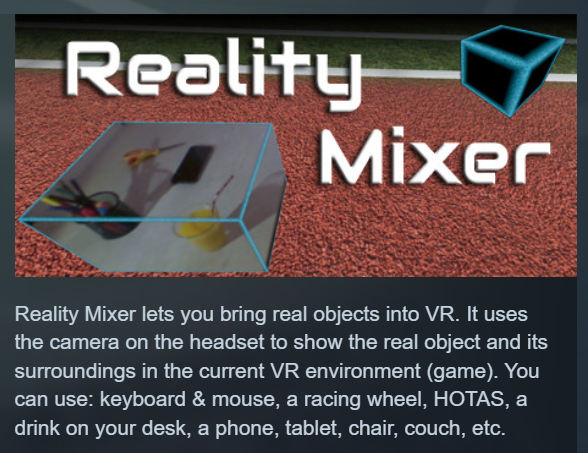
Reality Mixer lets you bring real objects into VR. It uses the cameras on the headset to show a real object and its surroundings in the current VR environment. It can be used at the same time as other VR software and games.
Think of objects like keyboard & mouse, a racing wheel, HOTAS, a clock on the wall, a drink on your desk, a phone, a tablet, a chair, etc. Also larger real objects can be used. Like the door to your room, so you can see who comes in, or the couch with your friends.
Bringing real objects into a virtual environment is known as 'Augmented Virtuality'.
Reality Mixer creates 'boxes of reality' which are shown in VR.
Apart from these 'camera boxes' the app also provides a mixed reality Cockpit for use with simracing and flight simulators, a Floor Viewer to quickly see the real floor around your feet and a Lap Viewer for use with seated experiences such as Big Screen. Lap Viewer can be used for quick glances at a normal (untracked) keyboard on your lap.
If you have a Vive or Tundra Tracker, you can attach a camera box to it so the tracked object will be visible wherever it is in your play area.
The real objects (and their immediate surroundings) don't have to be visible all the time. There are three activation methods:
- Activate by Proximity: Objects (camera boxes) will fade out when you are too far away. This fade out distance can be set by yourself.
- Activate by Gaze Angle: Look straight at a camera box to make it visible. Use this activation method with seated games where you have things on a table next to your seat. The activation angle and optional activation delay can be configured. Using an activation delay means you have to look at the object for a second before it starts to show itself, to prevent accidental activation. Floor Viewer and Lap Viewer both use Gaze Angle Activation by default, but can also use Proximity or ButtonPress activation.
- Activate by Button Press: Press a keyboard, mouse, gamepad, HOTAS or racing wheel button to turn on/off a camera box.
When an object is not visible, it will not use any resources.
If you have an Elgato Stream Deck, or if you use Touch Portal on your phone or tablet, you can use it in VR with Reality Mixer.
Chroma keying (green screen) makes the background of the objects transparent so the VR world shows through. This can be useful for objects such as a racing wheel and HOTAS.
 View Details
Research (VR | Hand Tracking | Biosignal)
研究 (仮想現実 | ハンドトラッキング | 生体信号)
研究 (虚拟现实 | 手部追踪 | 生理信号)
 View Details
Project (Computer Vision | MR Driving)
プロジェクト (画像認識 | 複合現実ドライビング)
项目 (图像识别 | 混合现实模拟驾驶)
 View Details
Development (Web | Server | Database)
開発 (ウェブサイト | サーバ | データベース)
开发 (网站 | 服务器 | 数据库)
 View Details
Programming (Scripts | Mini Game)
プログラミング (スクリプト | ミニゲーム)
程序 (脚本 | 小游戏)
 View Details
Product Design (3DCAD | 3Dprint | Modeling Rendering)
製品設計 (3DCAD | 3Dプリント | モデリング,レンダリング)
产品设计 (3DCAD | 3D打印 | 建模渲染)
 View Details
Law (Ai / Autonomous Driving Accidents | Product Liability)
法律 (Ai / 自動運転事故民事責任 | 製造物責任)
法律 (Ai / 自动驾驶事故民事责任 | 产品责任)
Get In Touch / 連絡
Thank you for visiting!
ご覧いただきありがとうございます!
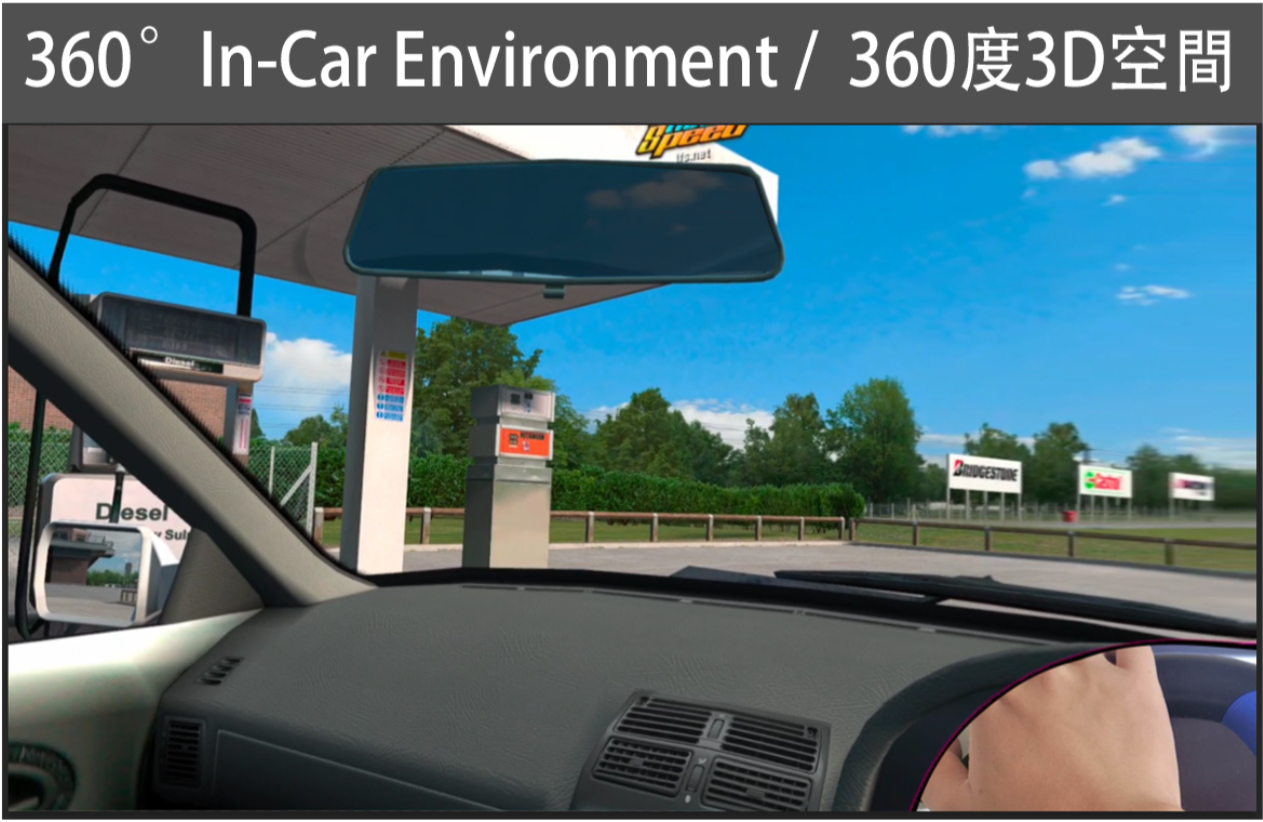 1. Overview / 概要